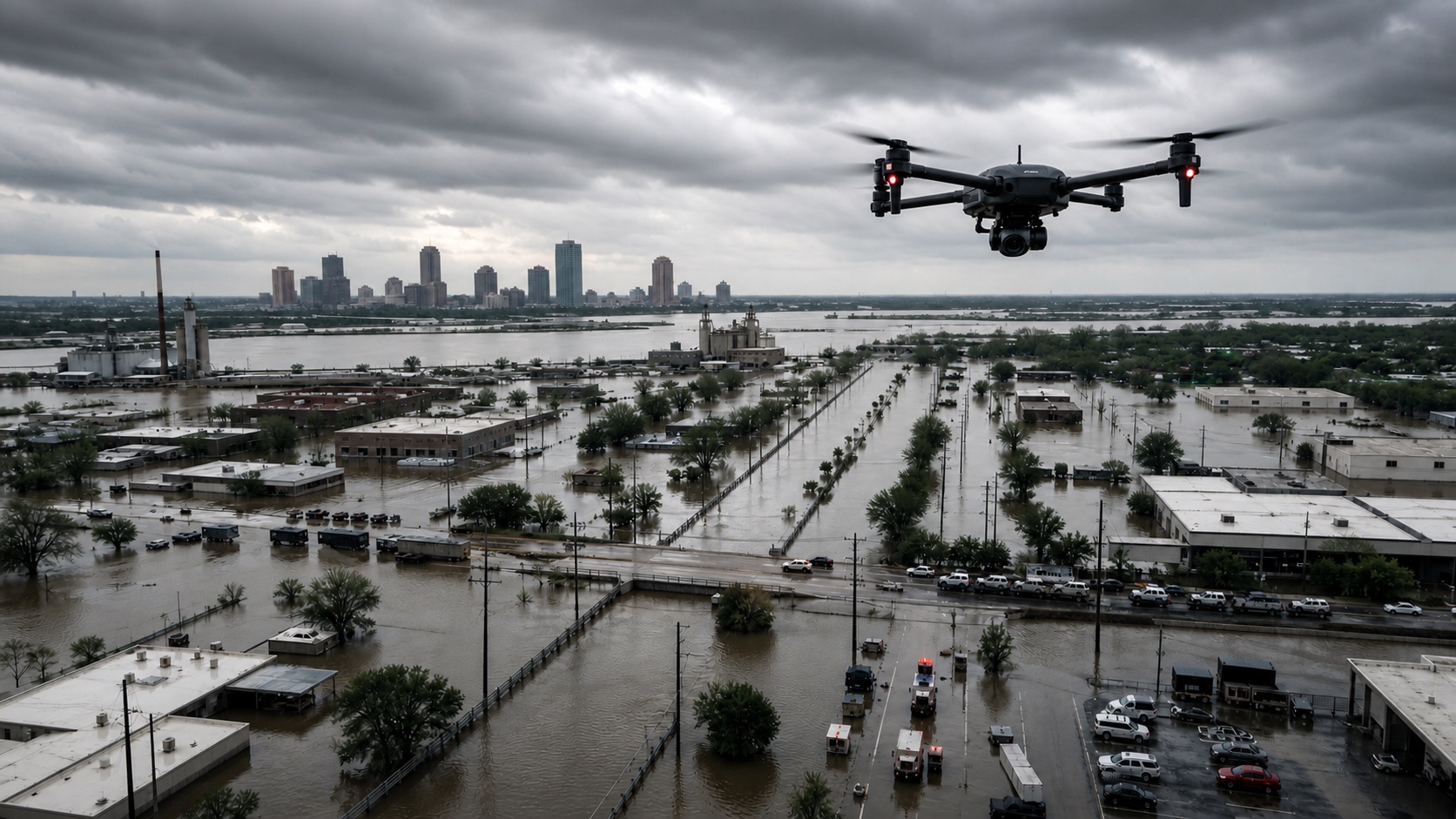
Frame the incident
Mark affected zones, unsafe areas, staging locations, access routes, and the assets that need a first look.

Disaster response teams need to know what changed before they commit crews, vehicles, or scarce equipment. Horus helps teams survey damage, compare routes, map hazards, and preserve a record of what was seen while conditions are still changing.
The page is built around the same operator loop teams run in the field: plan, cover, review, and hand off.
Mark affected zones, unsafe areas, staging locations, access routes, and the assets that need a first look.
Fly priority sweeps over roads, bridges, rooftops, utility corridors, or flood edges while preserving route state.
Review blocked access, visible damage, standing water, debris, fire edges, and unstable areas before crews move in.
Turn aircraft observations into maps, imagery, notes, and route status updates for command and field units.
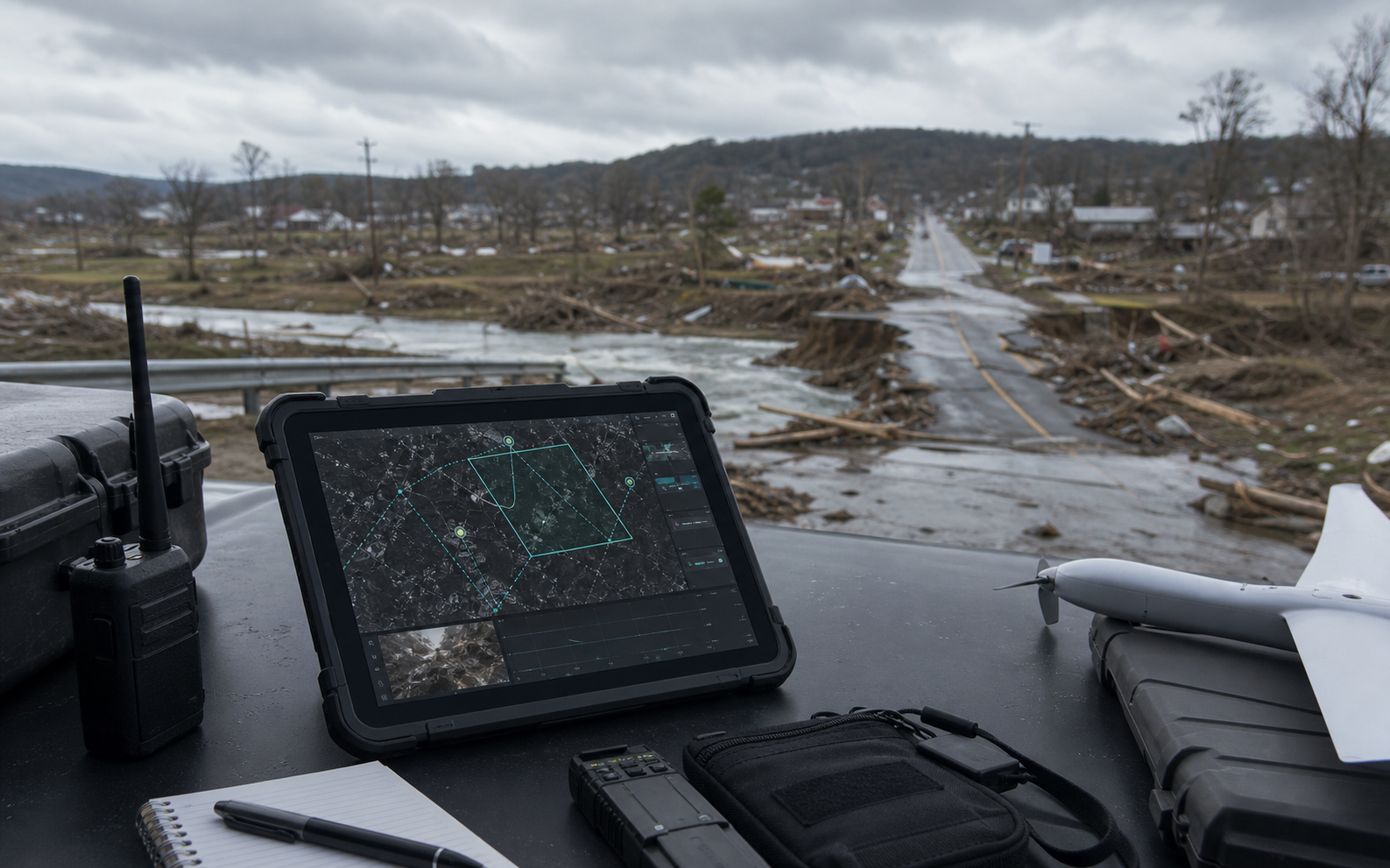
Horus keeps the mission readable while the aircraft is moving: route state, aircraft health, reviewed observations, uncertainty, and field-ready outputs stay tied to the same map.
Compare intended routes with observed hazards, closures, debris fields, and damaged crossings.
Send aircraft into uncertain areas before placing crews near unstable structures, floodwater, or blocked roads.
Keep imagery, coverage, timing, and notes tied to the incident for briefings and after-action review.
During a disaster, the first map is often wrong minutes later. Horus is built around updating access, hazard, and staging information as the aircraft sees the scene.
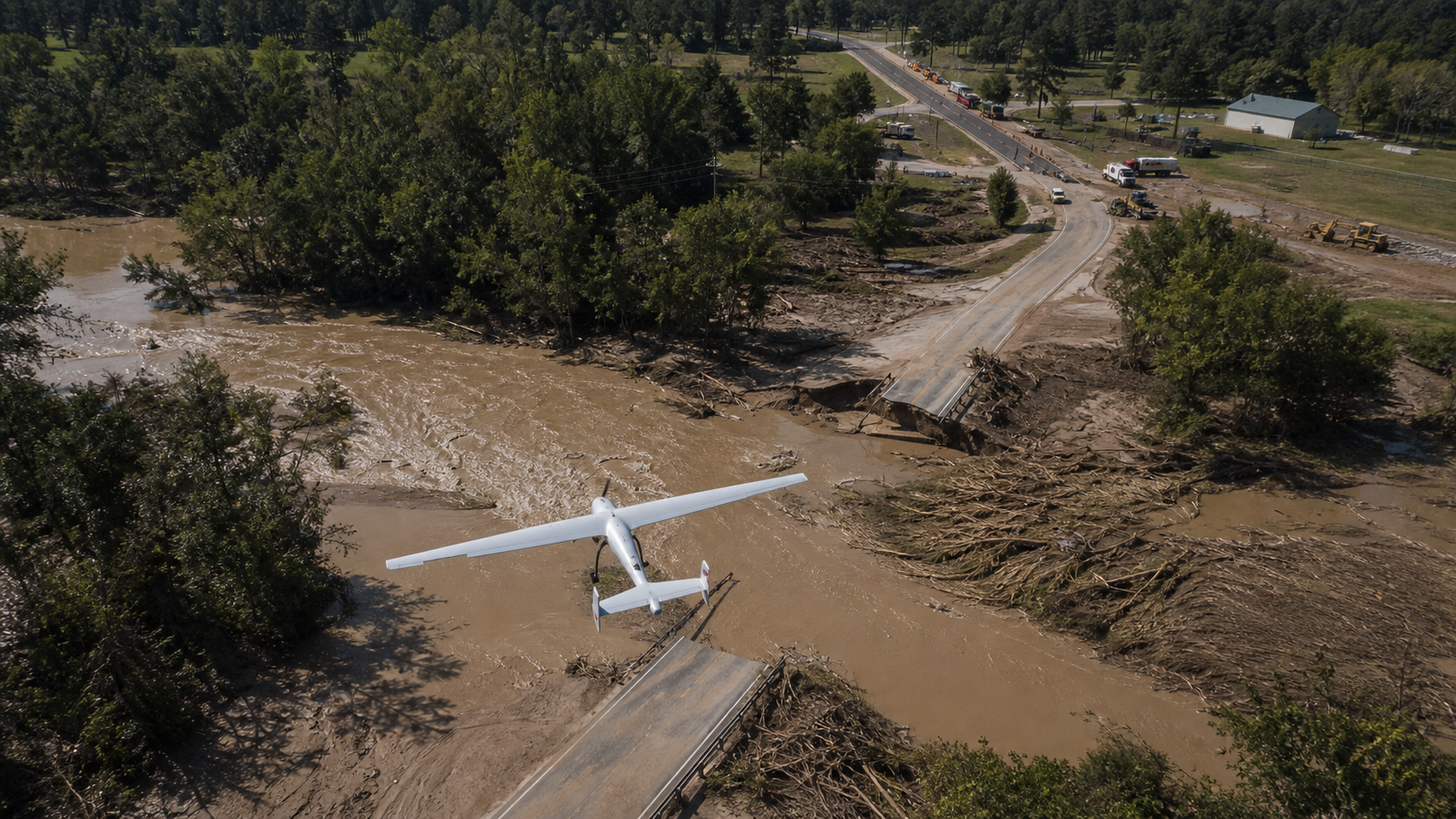
Horus turns aerial coverage into a practical incident layer for crews deciding where to go next.
Routes and crossings can be reviewed against fresh imagery so crews do not spend critical time driving toward blocked or unsafe areas.
Imagery, timing, location, and notes stay tied to each observation for briefings, mutual aid, and after-action review.
Command can retask coverage toward new reports, unstable areas, or response bottlenecks without losing the mission record.
Every flight should leave the team with decisions, not just more footage to sort through later.
Share the terrain, response team, site, or mission constraints you care about. Horus can help map the first deployable loop.